
Copy and Adapt Decks
Copy or adapt a deck to reuse a lesson without changing the original.
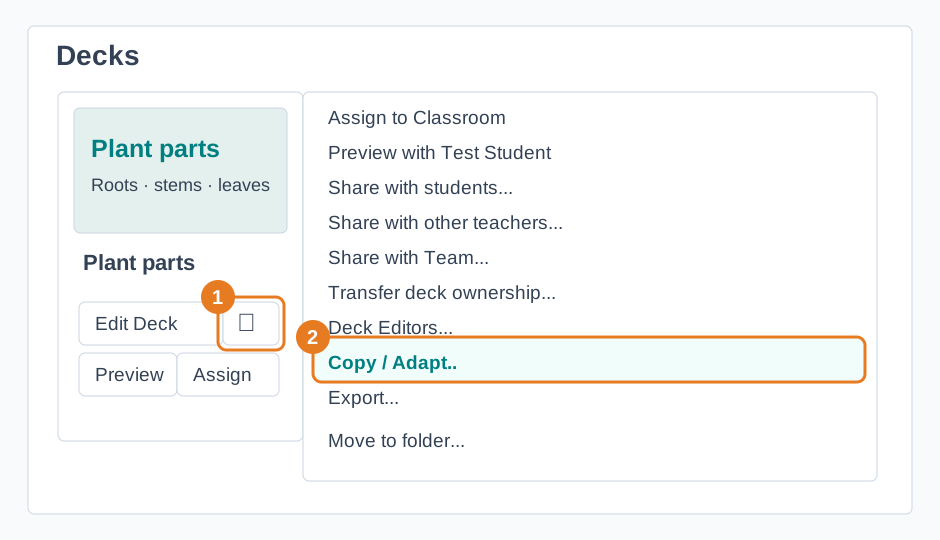
- On My Dashboard, open the menu of a deck you own and choose Copy / Adapt... For a public or shared deck, open its preview and use the copy option shown there.
- Leave AI Instructions (for deck generation) blank for a direct copy, or describe the changes you want for your class. Choose Generate Deck.
- Open the new deck in My Dashboard. Review and edit it before assigning it to students.
Adaptation changes text. Images, media, and embedded resources are copied as they are.