
Start Lesson Creation Wizard from Google Drive
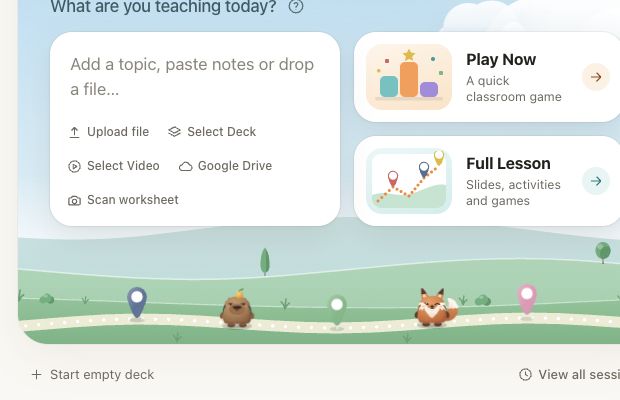
When Google Drive is available in Lesson Creation Wizard, you can use a supported Drive file as source material for a new lesson.
This helps when lesson notes, worksheets, reading passages, or planning documents are stored in Drive and should be turned into a Deck.Toys lesson.
How to use it
- choose Google Drive in Lesson Creation Wizard
- select a supported file you want to use
- add any extra instruction for the lesson
- choose the grade or level if needed
- generate and review the deck to check how the source material was used
Good source files
- lesson notes
- reading passages
- worksheet text
- slide outlines
- unit planning documents
Why this helps
Teachers can reuse existing teaching material instead of copying and pasting the same content into the wizard manually.