
Can I Use Two-Digit Activity Icons?
Yes. In Deck Builder, open the activity's menu and choose Change Icon. In the Activity Icon window, enter a number such as 11, 12, or 15, then choose Save. You can continue numbering a path after the single-digit icons.
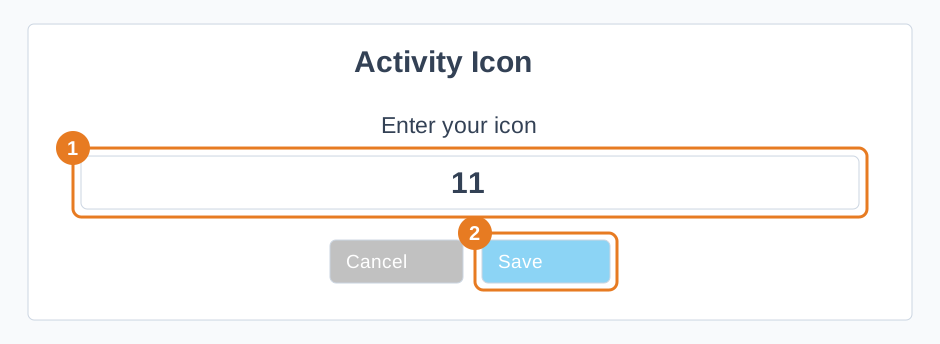
An activity icon accepts up to two characters. If your label is longer, choose a shorter one. You can return to Change Icon whenever you need to change the number.