Timer
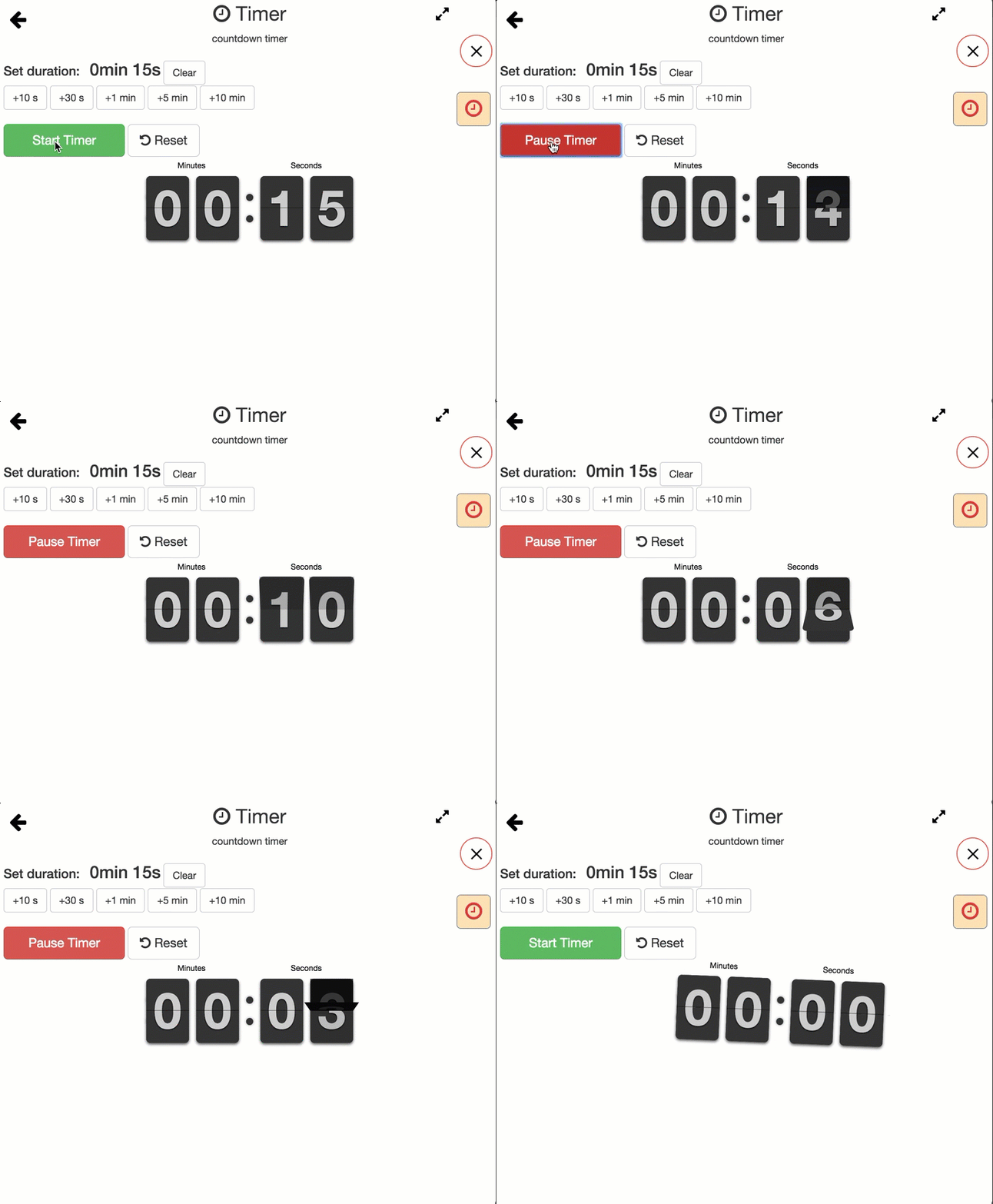
Use the Timer app from the Teacher Launchpad to set a countdown for a classroom activity. Choose a duration with +10 s, +30 s, +1 min, +5 min, or +10 min. Select Start Timer to begin or Pause Timer to pause. Reset returns to the selected duration; if the timer is running, it restarts the countdown. Adding time while the timer is running changes the selected duration; select Reset to restart with that duration. Clear sets the selected duration to zero. When time runs out, the clock briefly shakes on the teacher's screen.
This Timer app is only accessible to you, and it will not appear on the student's view.