
Sort Me
Sort Me turns two Study Sets into a sorting game.
The title of each Study Set becomes a category. The terms in each Study Set become the cards that students sort. You do not need to fill in the definition fields.
Set up Sort Me
- Create a Study Set for the first category. Give it the category name and add the examples or words as terms.
- Create a second Study Set for the second category. Give it the second category name and add its terms.
- Open Sort Me. Choose the first Study Set for Category 1 and the second Study Set for Category 2.
- Sort Me supports up to eight terms from each Study Set. If you need specific items in the game, select those terms in each set.
The Study Set editor is shared by several games, so it may still show definition fields. Sort Me uses the Study Set titles and terms, so you can leave the definitions blank.
Example: expressions and equations
- Expressions: add expression examples as terms.
- Equations: add equation examples as terms.
Then choose Expressions for Category 1 and Equations for Category 2.
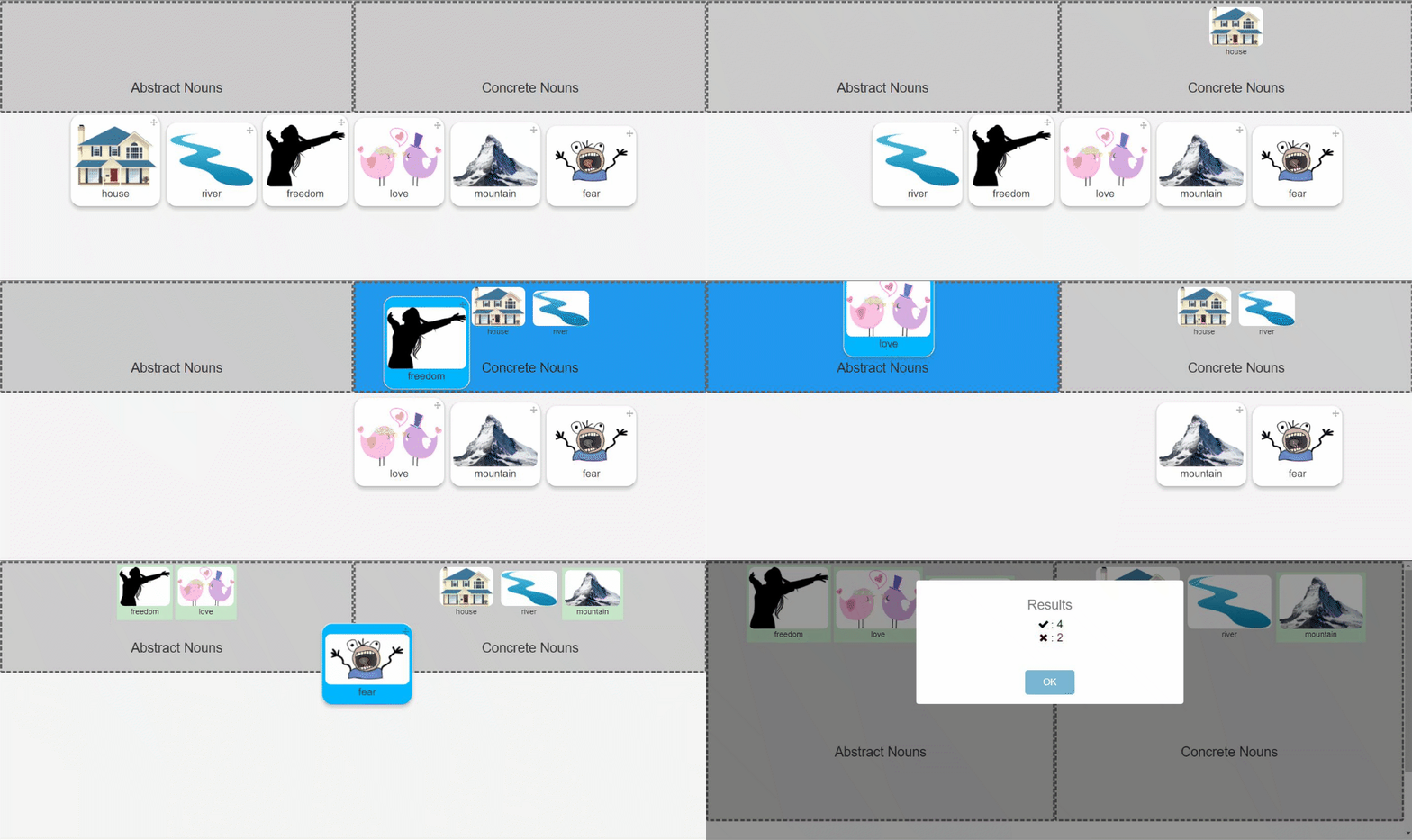
What students see
- A correct answer turns green.
- An incorrect answer is moved to the correct category automatically.
Play modes
Supported content: Study Sets only.
- Multiplayer (Classroom): The teacher launches Sort Me from the Classroom. Students sort terms into two categories in a shared round.
- Challenge: Two students play the activity in the deck and sort the same category cards.
- Single Player: A student opens the activity in the deck to sort both categories independently.
- Solo Arcade: The student’s Solo chooser contains Arcade Games, so this Classic Game is unavailable there.