
Word Cloud Activity
Word Cloud brings the class's ideas together on one screen. Use it for a warm-up, vocabulary check, discussion starter, or exit ticket.
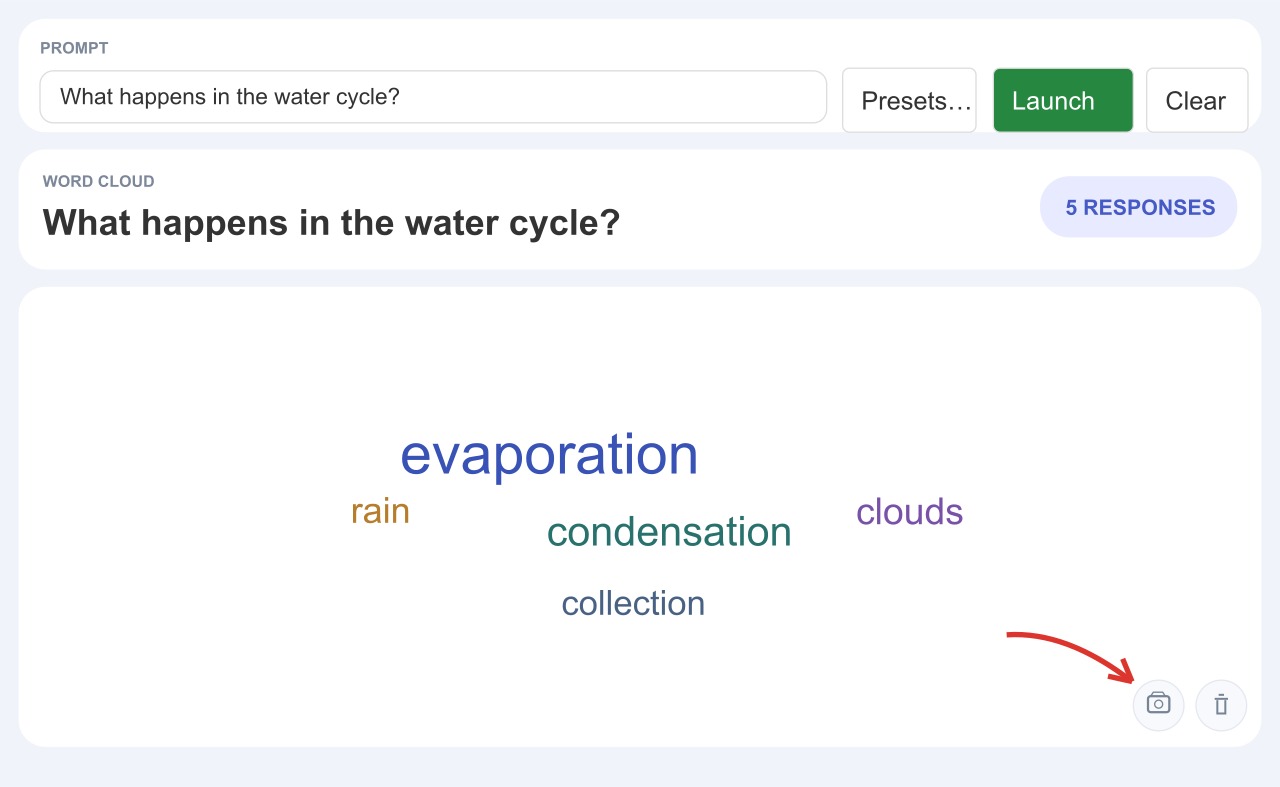
Collect responses
- Add Word Cloud to a Slide Activity. See Slide Apps if you are new to adding apps to a slide.
- In the teacher view, enter a question in Prompt, or choose one from Presets. A focused question such as “What word describes this character?” gives students a clear task.
- Select Launch. Students type a word or short phrase and select Send. Watch the cloud and response count grow as they answer.
Discuss and save
Ask students why particular words appeared often. If a response does not belong, remove it from the cloud. Select Download snapshot to save an image for a later lesson. Select Clear to start a fresh round; the current cloud will be cleared.