
Create a Question Set
Open your deck in Deck Builder and choose Question Set from the sets panel. Choose New Blank Question Set to write questions yourself, or Create Question Set with AI to start from a topic. If you have teaching notes, choose Create from Text with AI. You can also start with Example Question Sets, import from text, Excel, or a sheet, or use Scan worksheet with AI when that option is available.
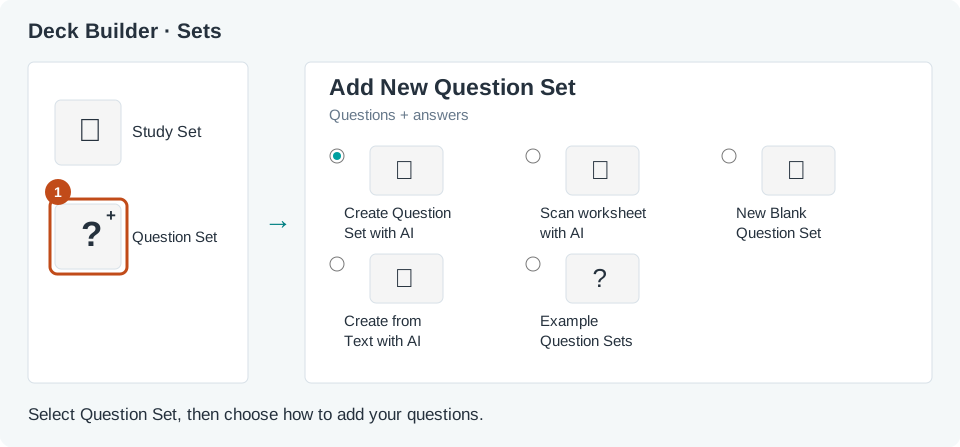
Give the Question Set a clear title. Read every question, answer, and answer choice before saving. Keep the wording short enough for students to read during an activity, and correct anything that does not match what you taught.
Add a game or activity to the deck and select your Question Set. Preview it to see how the questions appear to students. Some games accept a Question Set, some use a Study Set, and some accept either. If the editor says a game is incompatible, choose a different game or set. Preview the deck before you assign it to your classroom.