
Review Play Now Results
If Play Now results is available on your Dashboard, you can revisit a class session after the activity. The report shows participation and the answers recorded for that run.
Open a session
- From My Dashboard, choose View all sessions or Play Now results.
- Under Past sessions, find the lesson you want and select View results. A running session may offer View live results.
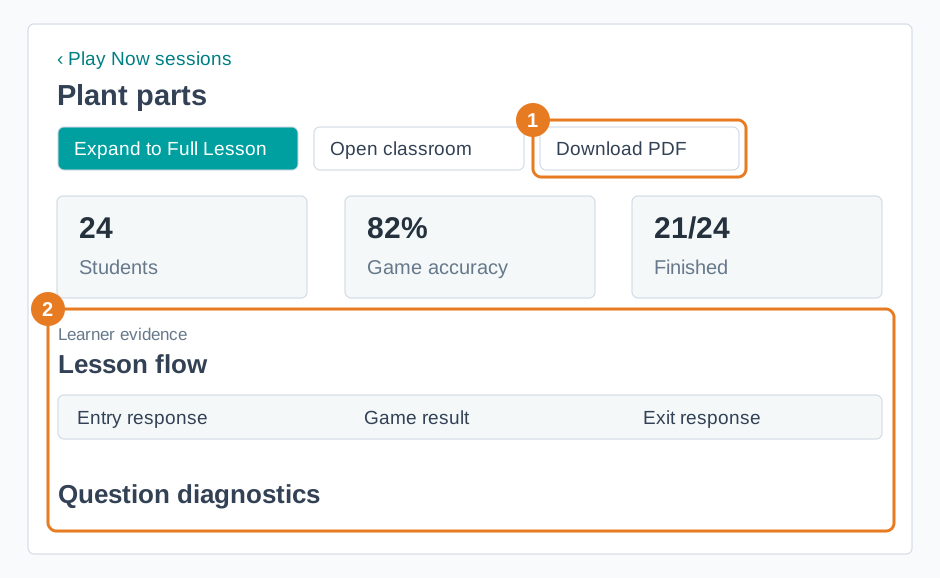
- Check Students, Finished, and Game accuracy for a quick overview. Open Lesson flow and Question diagnostics to see where students answered or missed questions. Learner evidence lets you look more closely at an individual student's work.
Keep a copy
Select Download PDF if you need a copy for planning or follow-up. Check the file before sharing it because it may include student names and responses. If the report says No answers yet, that item has no recorded response; it is not a wrong answer.
To start another run, see Start a Play Now Lesson.