
Can Students Change an Answer After Submitting?
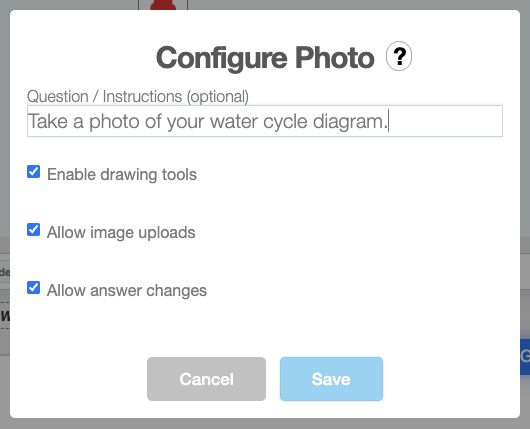
Yes, for Slide apps that offer an answer-change setting. Open the app's settings in your deck and look for Allow answer changes. In Quick Poll, the setting is called Allow changes after submission. Turn it on when students should be able to revise an answer; turn it off when a submitted answer should stay final.
What will students see?
The controls depend on the activity. For example, in the Text Slide app, a student can select Modify, edit the response, and submit it again when answer changes are allowed. The setting does not add an edit button to every type of activity. Check the settings of the specific Slide app you are using before assigning the deck.
If students have already submitted work, avoid using Reset Activities simply to change this setting: resetting clears recorded activity work and points. See What Happens When I Click on Reset Activities? before starting a fresh attempt.