
Multiplayer, Single Player and Solo
Games can use Study Sets or Question Sets when compatible. Each game guide lists the modes it supports.
Multiplayer
Launch a classroom game from the Teacher Launchpad so students play together. Supported games can also be launched through Play Now. Some games share a world; others compare answers or scores.
Challenge is a separate head-to-head round between 2 students. It is available only for games that support it and when Challenges are enabled.
Single Player
Students complete an individual game activity in a deck, or play independently when the teacher launches Single Player. They do not compete against another student. Some Arcade games include computer-controlled players.
Solo Arcade
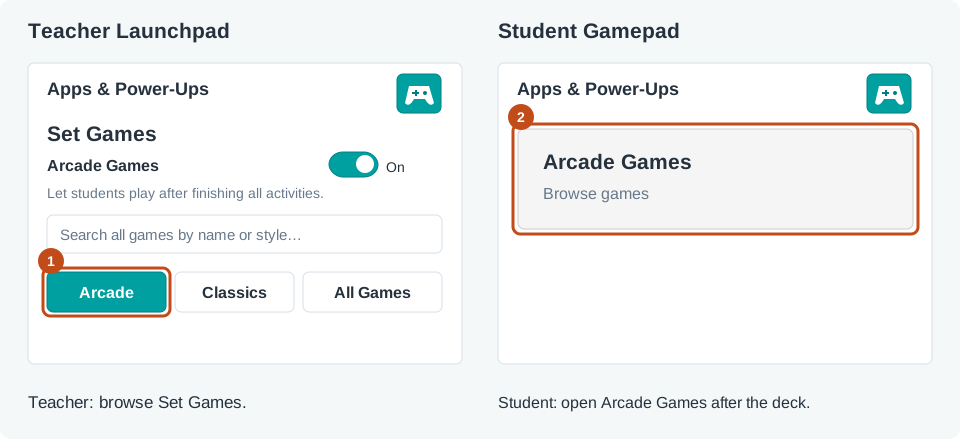
After completing the deck, students can open Arcade from their Student Gamepad and choose an available Arcade game. Solo uses that game's Single Player gameplay.
The teacher must allow Arcade, the student needs completed compatible content, and Arcade time must remain. Classic games are not included in Solo Arcade.
Browse Arcade Games or Classic Games to choose a game.