
Crossword
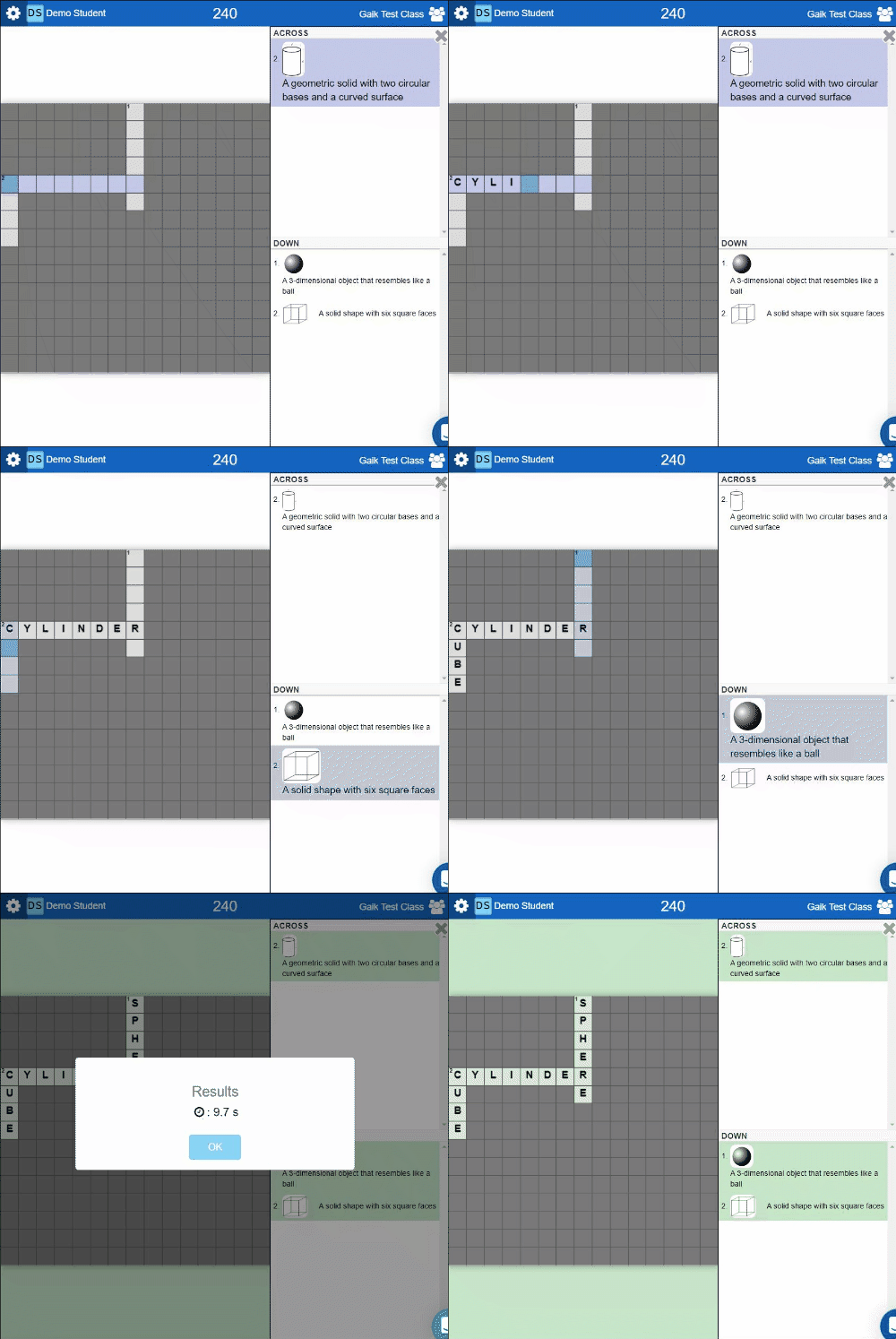
Crossword turns your Study Set into an interactive crossword puzzle. The terms are used to generate words in the puzzle, while the definitions and/or images are used as the clues. A maximum of eight words will be generated for the puzzle. This game supports words with alphabets (up to 14 characters and not case sensitive), numbers, and only the symbols: space and period. A two word term (e.g. "Mother Nature") will be typed in without space in the actual crossword ("mothernature"). All answers have to be correct before the Study Set is considered complete.
You can also bring out a Word Bank to help your students further. Click on 'Enable Word Bank' option in Advanced Setting and this Word Bank appears at the bottom right of the crossword puzzle such that the students can pick out the words to use.
Select the Study Set terms you want to use before starting the game.
The crossword can vary when set items are randomized. Clear Randomize set items in the game settings if you want to keep your chosen order.
Sometimes the terms that you chose cannot be added because the word is too long (max 14 characters), or if the word is too short and there are no common alphabets to match the existing terms. For example, the term FLY cannot be added to the terms on the board consists of DOG, DINOSAUR.
Play modes
Supported content: Study Sets and Question Sets.
- Multiplayer (Classroom): The teacher launches Crossword from the Classroom. Students solve a crossword in a shared round.
- Challenge: Two students play the activity in the deck and solve the same crossword.
- Single Player: A student opens the activity in the deck to finish the crossword independently.
- Solo Arcade: The student’s Solo chooser contains Arcade Games, so this Classic Game is unavailable there.