
Game Show
Game Show is a Jeopardy-like game using up to two compatible Study Sets or Question Sets. The teacher controls the clue board in Classroom mode; two students can play head-to-head in Challenge mode.
Use Preview Deck and choose With 2 Demo Students to simulate this game.
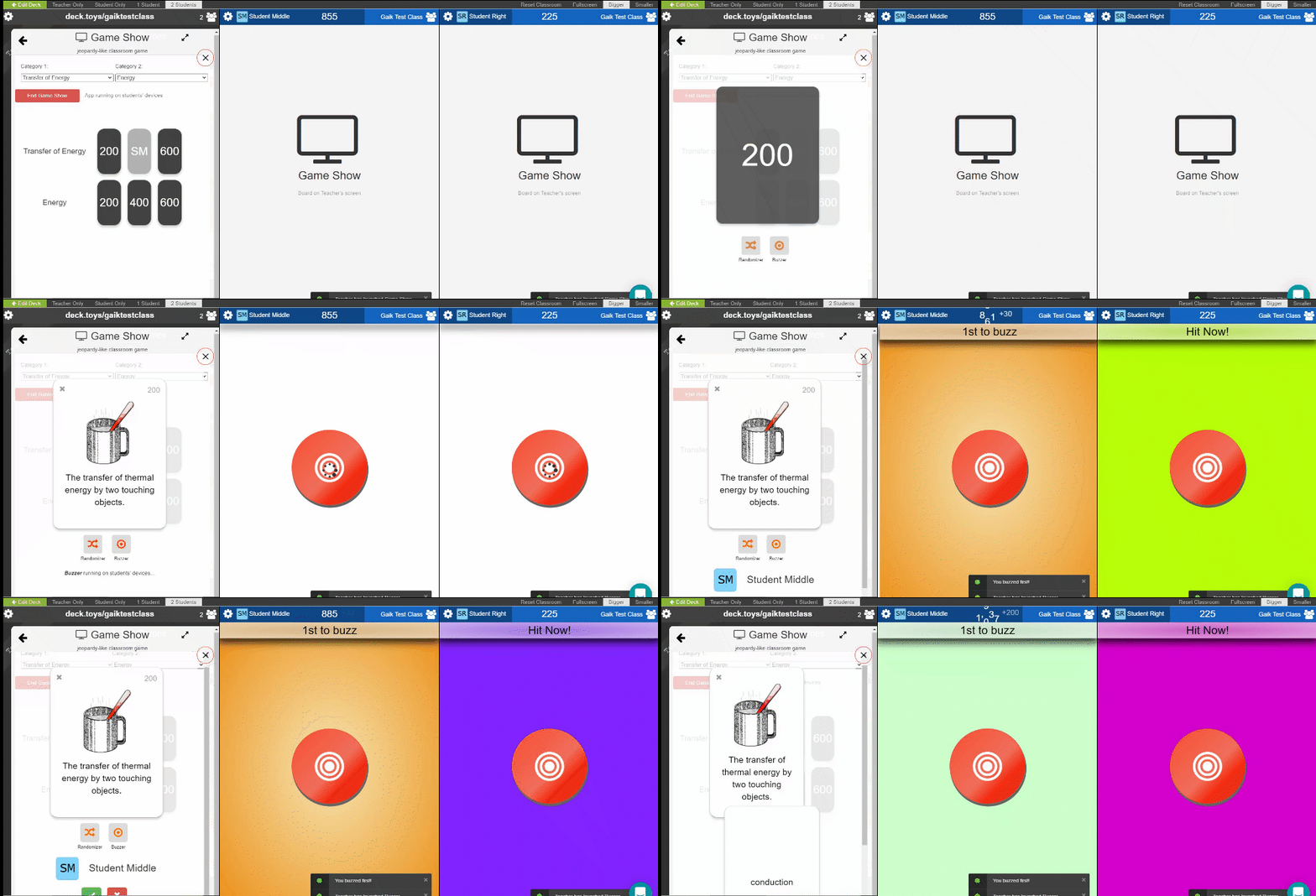
For a teacher-led game, launch Game Show from your Deck.Toys Classroom and project the Classroom view.
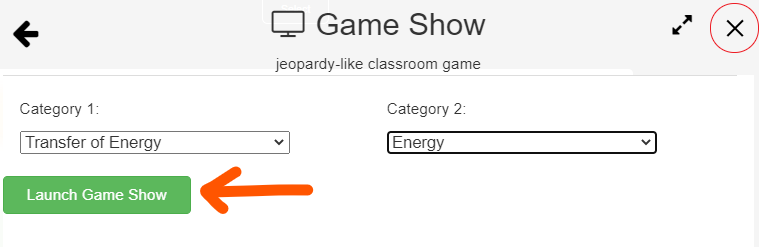
Before launching the Game Show app, the Classroom-view should be projected on the classroom's screen. Please note that the students' devices do not show the card definitions.
After launching the app, click on a card and the card's definition will appear. You may then select a student to answer via the Buzzer or Randomizer apps. The selected student's name will appear on the screen and you may then mark it as correct or wrong depending on the students' answer in the classroom.
Play modes
Supported content: Study Sets and Question Sets.
- Multiplayer (Classroom): The teacher launches Game Show and chooses clues on the projected board. Students buzz in or are selected to answer, while the teacher awards points.
- Challenge: Two students play the same clue board head-to-head from the activity in the deck.
- Single Player: A student opens the activity in the deck to choose clues, type answers, and check them independently.
- Solo Arcade: The student’s Solo chooser contains Arcade Games, so this Classic Game is unavailable there.
Challenge mode
Students can start a two-player Challenge from the activity in Deck.Toys Classroom. Select Challenge, choose a classmate, and wait for them to accept.
Both students use the same clue board. The student with control chooses a clue, either student can buzz, and the opponent may get a steal chance after a wrong answer. The student with the most points when the board is complete wins.