
How Do I Switch Between Study Sets?
Open Manage Sets in Deck Builder. If your deck has several sets, select the title of the Study Set or Question Set you want to work on. The panel moves to that set so you can edit its title or items. Use the All, Study Sets, and Question Sets filters to narrow the list.
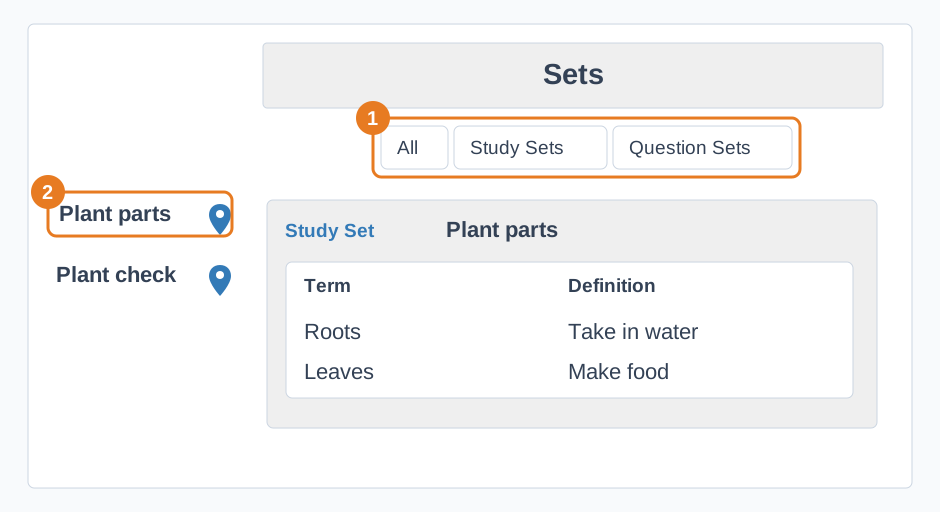
For a Question Set, each row has a Question, Correct Answer, and Wrong Answers. Check all the answer choices before using it in an activity. To add more ideas to the selected set, choose Generate More Items with AI, then review and edit what it adds.
See What are Study Sets? and Create a Question Set for help with each type.