
Striker Stampede
Striker Stampede: Students play a football match and answer questions to earn Star Powers.
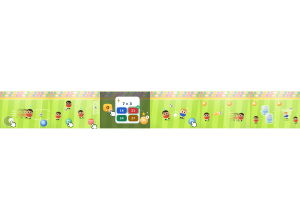
Set up
Create a Set Game, choose Striker Stampede in the game picker, and preview it before sharing with students. Choose a Study Set or Question Set for its questions.
How students play
- Run for the ball. Drag the joystick or use WASD/arrows; hold Sprint to run faster.
- Pass or shoot. Tap Pass to pass or hold it to lob; hold Shoot, then release to fire.
- Charge a power. Tap Q and answer right to bank a Star Power (up to 3), then tap the power button to use it.
Play modes
- Multiplayer: Classroom players share a football match, passing, shooting and tackling on the same field.
- Challenge: Two students play against each other in a head-to-head match.
- Single Player: One student plays with and against computer footballers.
- Solo Arcade: After completing the deck, a student can choose Striker Stampede in Student's View for the Single Player game, when Arcade play is enabled and they have Arcade time.
Good to know
Without the ball, Shoot becomes Tackle and Pass becomes Call.
Teacher tip
Show the class how to pass, shoot and answer for a Star Power.