
Chaos Kitchen
Run a kitchen with your crew: prepare the orders, serve at the correct answer window, wash plates and put out fires.
Set up
Create a Set Game and choose Chaos Kitchen. Select a Study Set with terms and definitions or image prompts with answers, or a Question Set with answer choices. Each usable item needs an answer and a prompt or image. Use Preview to play or watch Demo Mode.
How students play
-
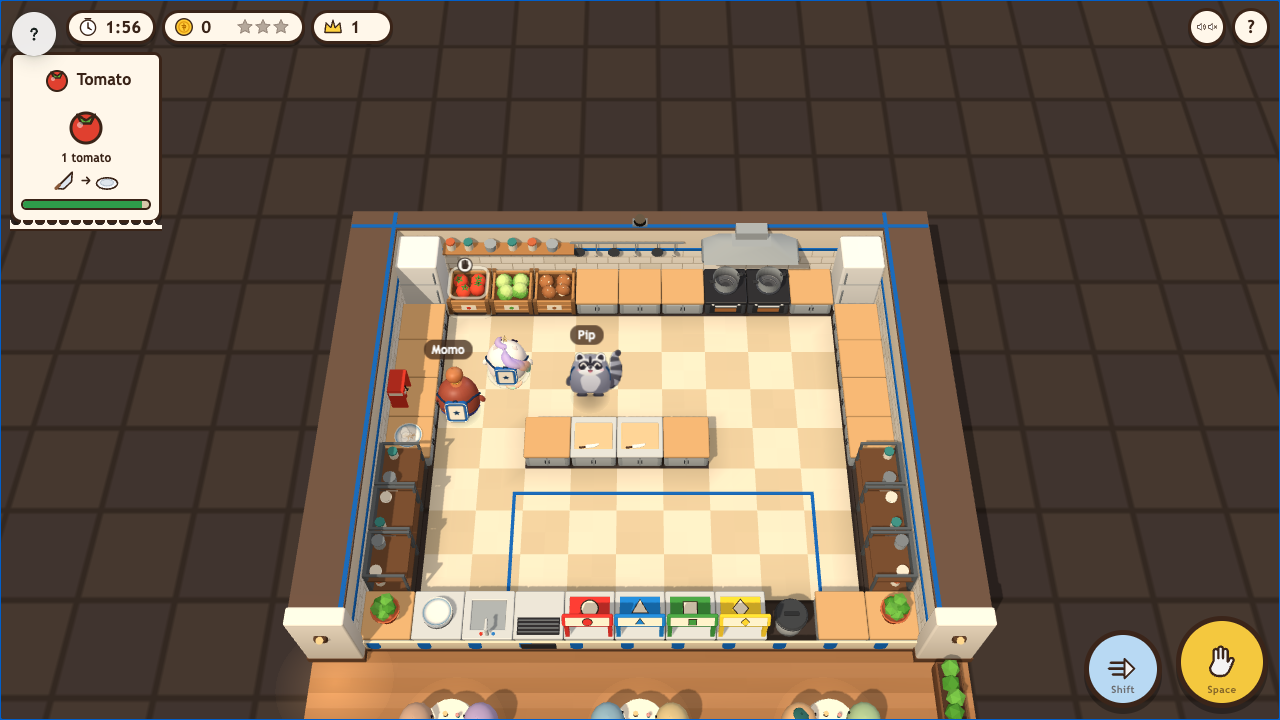
Prepare an order. Face an ingredient crate and press GRAB. Put food on a chopping board, then stand facing it with empty hands to chop. Plate chopped vegetables; for soup, cook chopped mushrooms and collect the soup with a clean plate. Start with the simple tomato order.
-
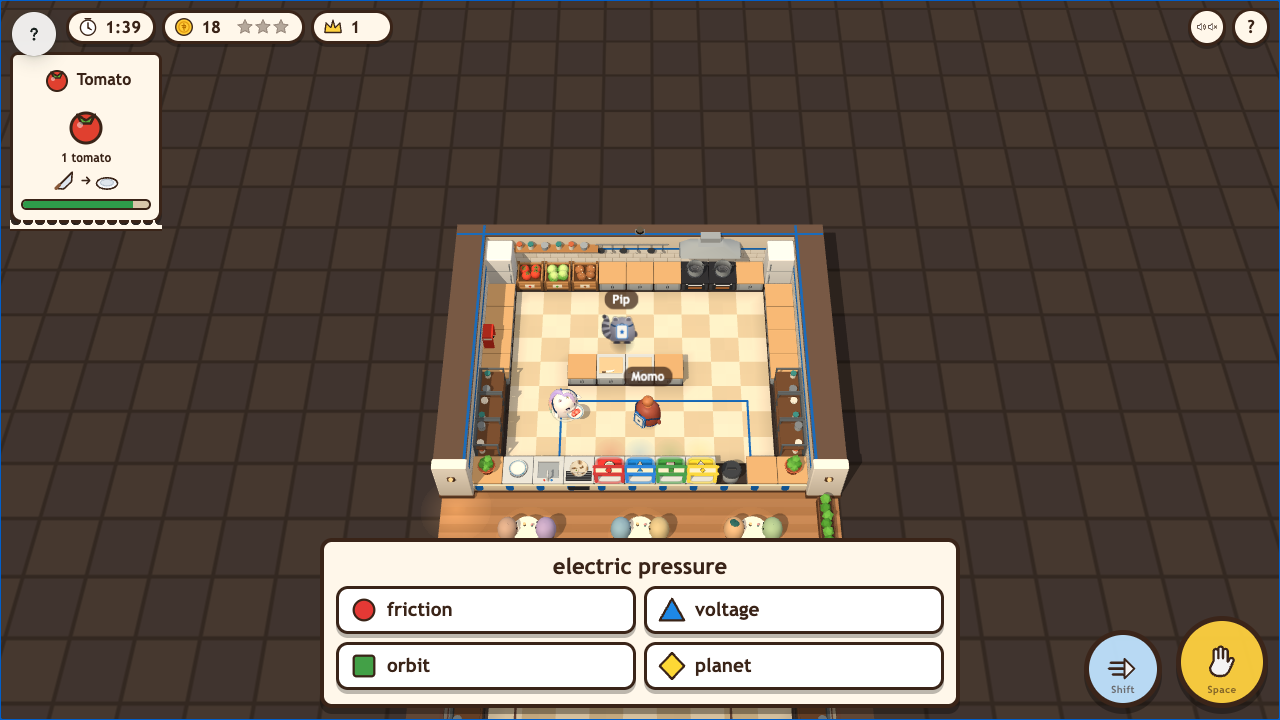
Answer to serve. Carry a plated dish to the serving windows. Read its question, then walk to the matching window or tap its answer chip. A correct answer serves the dish and earns coins and tips. A wrong answer returns it; wait 3 seconds and choose again. The rejected choice is crossed out.
-
Keep the kitchen moving. Wash returned plates at the sink and use the extinguisher on fires. Gold orders are critic duels: serve first to win the Golden Ladle. During rush hour, kitchens work towards a shared class goal.
Controls
Move with WASD or arrow keys, or hold the mouse on the kitchen to walk towards the pointer. GRAB: Space, E or Enter. DASH: Shift or Q. On touchscreens, use the left stick and the GRAB/DASH buttons. Press 1–4 to select an answer chip.
Play modes
- Multiplayer: Crews share kitchens; classroom teams stay together.
- Challenge: Two students run rival kitchens with bot helpers.
- Single Player: Cook with bot helpers against a bot kitchen.
- Solo Arcade: Uses Single Player gameplay after deck completion, when the teacher allows Arcade, the game is available and time remains.
Scoring and finish
Rounds last 2:00 by default, with 1:00 and 3:00 options. Dishes, tips, streaks, rush hour and the Golden Ladle affect kitchen coins. Standings compare coins per chef; stars reflect the crew's result. The round ends at time-up and shows the results.
Teacher controls
Choose the Set, use Launch to start and End to stop. Use Configure to choose the round length. Project the restaurant to follow kitchens, scores, critic duels and rush hour.