
Leaf Sweep
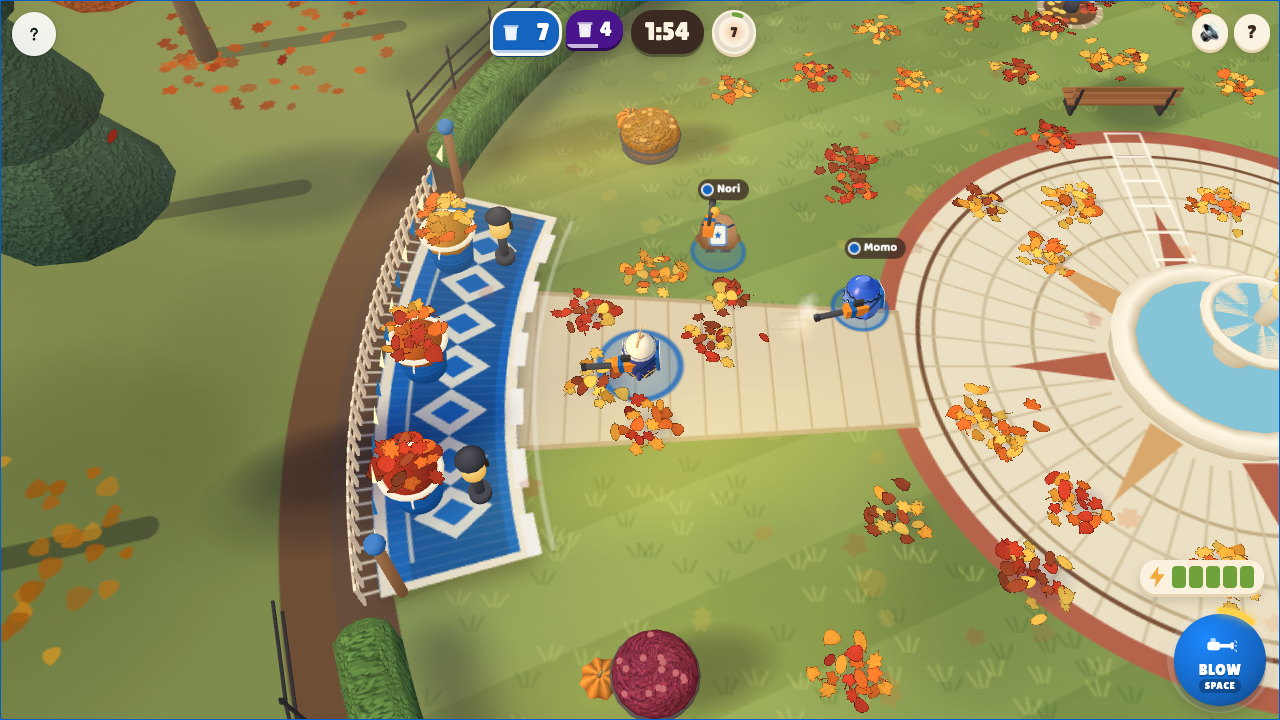
Clear an autumn schoolyard with a leaf blower. Merge small bunches into bigger ones, then push them across your team's white line to bank them.
Set up
Create a Set Game and choose Leaf Sweep. Select a Study Set with terms and definitions or image prompts with answers, or a Question Set with answer choices. Each usable item needs an answer and a prompt or image. Use Preview to play or watch Demo Mode.
How students play
-
Sweep and bank. Hold BLOW, Space or the mouse button to push leaves. Aim towards your team's bin. Small bunches merge when pushed together; bigger bunches earn bonus points. Rivals can push leaves and shove you too.
-
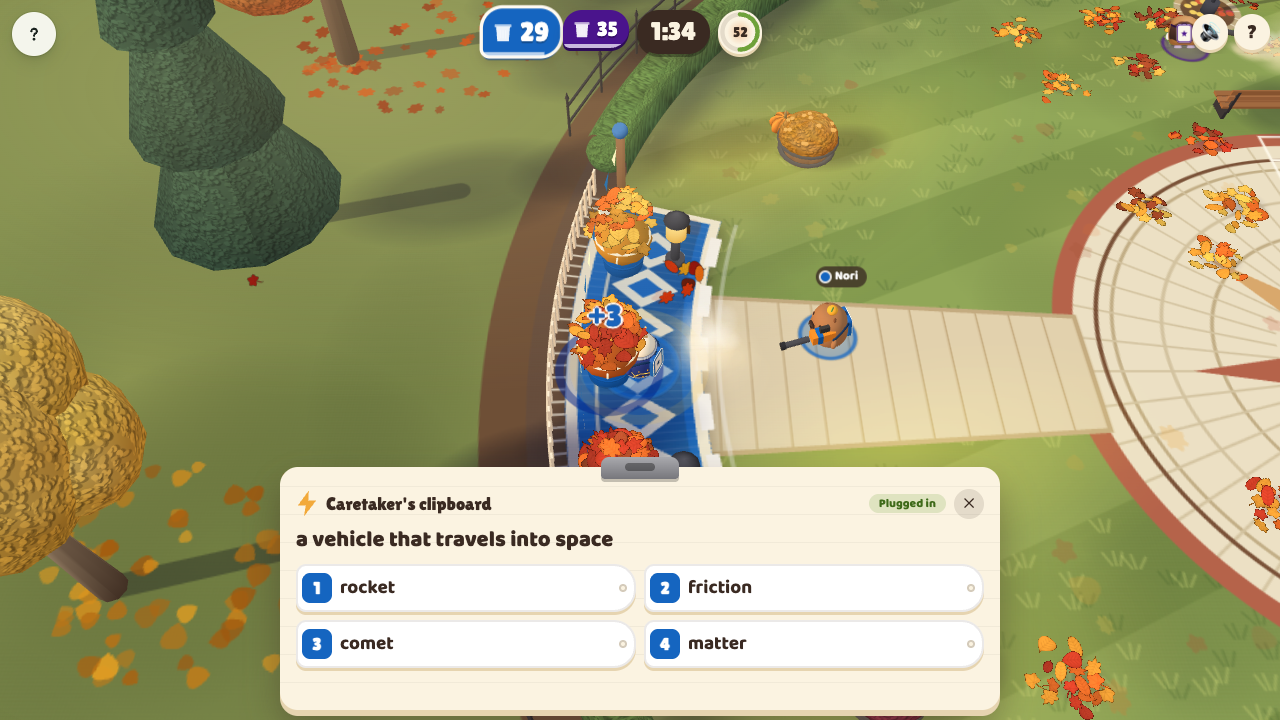
Recharge by answering. After the opening sweep, take a battery below 60% to your bin and choose RECHARGE. A correct answer fills the battery and adds to the crew's Turbo meter. A wrong answer gives a little charge; wait 3 seconds to retry the same question with the rejected choice crossed out. Questions open only when you recharge.
-
Help your crew. Banking leaves and answering correctly fill a shared Turbo meter. A full meter gives the crew 9 seconds of stronger blowing. Pick up the Golden Leaf for a stronger blower; rivals can knock it away. Watch for prize drifts, leaf showers and the gale.
Controls
Move with WASD or arrow keys. Aim with the mouse and hold to blow; Space also blows. Press R to recharge at your bin and 1–4 to answer. On touchscreens, use the left stick and hold/drag BLOW to aim.
Play modes
- Multiplayer: One shared yard with team bins; classroom teams are preserved.
- Challenge: Two students share the yard with separate team bins.
- Single Player: Sweep with bot teammates against a bot team.
- Solo Arcade: Uses Single Player gameplay after deck completion, when the teacher allows Arcade, the game is available and time remains.
Scoring and finish
Rounds last 2:00 by default, with 1:00 and 3:00 options. The team with the most banked points wins; equal totals draw. The round ends at time-up, or earlier if the yard is completely cleared with no leaves waiting to fall, and shows the results.
Teacher controls
Choose the Set, use Launch to start and End to stop. Use Configure to choose the round length. Project the live yard to follow team totals, Turbo, weather and the Golden Leaf.