
Tap Match
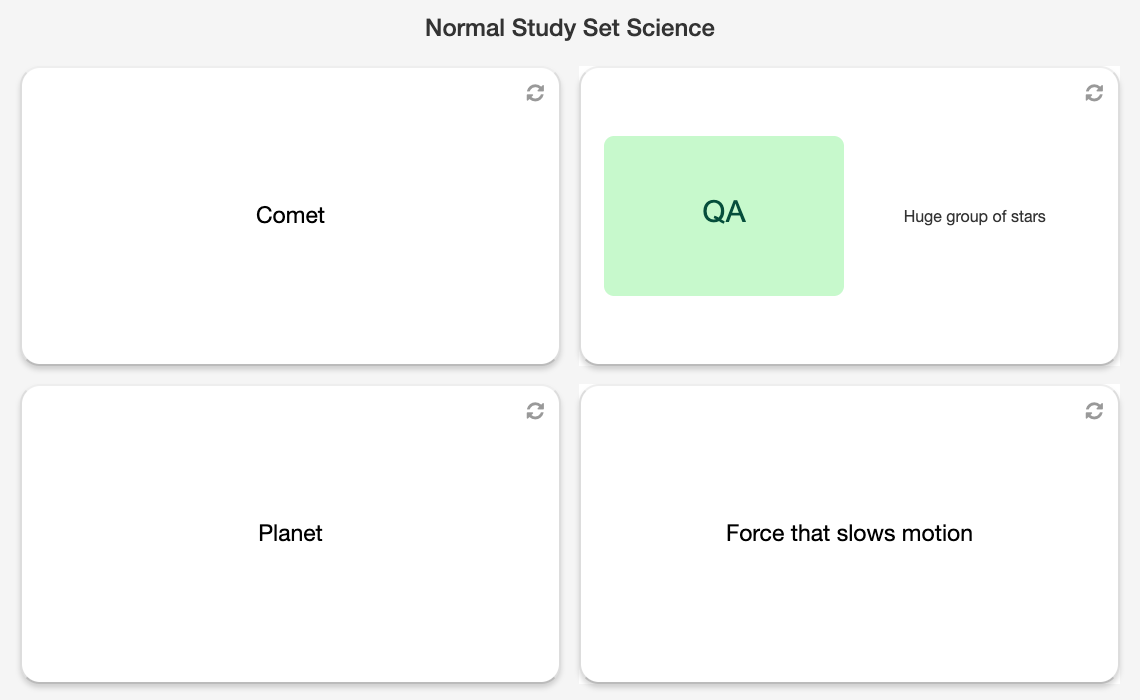 Tap Match is a shared matching board. Students tap a term and then tap the definition or image that belongs with it.
It is easy to learn and works well for short vocabulary review, especially when you want the class to see one common board.
Before you add Tap Match
- Select one Study Set or Question Set.
- Use up to 6 term-and-clue pairs so the two columns remain readable on student devices.
- Each term should have a definition or image that clearly identifies its match.
- Preview the board if several terms or definitions look very similar.
How students play
- Read the terms and clues in the two columns.
- Tap one term, then tap the matching definition or image.
- A correct pair is cleared and counted. An incorrect pair remains available for another attempt.
- Continue until every pair has been matched.
Classroom multiplayer
In Deck.Toys Classroom, everyone works on the same shared board. The first student to match a pair correctly claims it, and that pair is then cleared for every student.
The teacher view shows how many pairs each student has claimed. The activity finishes when the class has cleared the whole board.
This makes Classroom mode both collaborative and competitive: every correct match helps complete the shared task, while quick and accurate students can claim more pairs.
Challenge mode
In Challenge mode, two students compete on the same board. A pair can be claimed only once, so students must recognise and tap it before the opponent.
When all pairs have been cleared, the student who claimed more pairs wins. Equal claims produce a draw.
Single Player
In Single Player, the student receives the complete board independently. No one else can remove a pair, so the student can work through all of the matches at a personal pace.
Incorrect pairs stay on the board and can be retried immediately.
Solo Arcade
The student’s Solo chooser contains Arcade Games. This Classic Game is played through its activity in the deck or a teacher-launched round.
Teacher tips
- Use short terms and definitions so students can scan both columns quickly.
- Avoid clues that could reasonably match more than one term.
- Choose Classroom for a shared class target and Challenge for a brief head-to-head activity.
- Use Single Player when every student needs to practise every pair.